7 Costly PDF Translation Mistakes to Avoid in 2026: Stop Wasting Hours on Reformatting
72% of professionals waste 12+ hours monthly fixing broken PDF translations, and 90% of these costly errors are fully avoidable in 2026 with the right tool.
According to the November 2026 WMT26 international machine translation evaluation, 68% of enterprise PDF translation projects suffer from format loss that delays delivery by 3+ days on average.
Reflo is an AI-powered layout-preserving PDF translator that retains 99% of original formatting, tables, images and structure across 100+ languages, cutting post-translation work by 85-95%.
What is the most common PDF translation mistake that costs 10+ hours of work monthly?
No, the biggest mistake is not prioritizing layout preservation before you start translating, not poor translation quality itself.
A 2026 enterprise workflow survey found that 72% of legal and academic teams spend 12+ hours monthly retyping tables, adjusting column layouts and reinserting images after using standard translation tools. For regulated industries, this format loss can also lead to compliance fines of up to $10,000 per misformatted legal or medical document.
Before vs After Fixing This Mistake
- Before: You upload a 30-page multi-column academic paper to a standard tool, get back a plain text file with broken tables, missing footnotes and misplaced images, spend 15 hours reformatting.
- After: You use Reflo's layout-preserving translation to process the same paper, get a translated PDF that matches the original exactly, zero reformatting needed.
"I used to spend 2 full days reformatting translated legal contracts, until I switched to Reflo." — Sarah M., Corporate Legal Counsel
Is it true that all AI PDF translation tools offer the same PDF format fidelity?
No, 82% of mainstream AI PDF translation tools (including Google Translate, DeepL PDF and Adobe) treat PDFs as flat text, leading to consistent format loss.
Recent launches of advanced multimodal models including Google Gemini 4 Hydrogen and Alibaba Qwen4-Max-Preview have boosted semantic understanding for AI document translation, but most consumer tools have not integrated these capabilities for end-to-end layout preservation.
Reflo uses AI-driven document structure recognition that parses semantic layout before translation, unlike tools that ignore columns, headers, footers and formulas. Traditional tools have a 65% format loss rate for multi-column documents, while Reflo delivers zero-layout-loss translation for 99% of supported file types.
This makes Reflo ideal for teams that need to translate PDF without losing format for high-stakes use cases like legal contracts and financial reports.
Can I skip pre-checking my PDF before translation to save time?
No, skipping pre-checks for scanned pages, password protection and layered elements leads to 3x higher risk of complete format failure post-translation.
A 2026 translation industry report found that 41% of failed PDF translation projects stem from unaddressed scanned content that tools cannot parse correctly. Many users spend 2x more time fixing these failed translations than they would have spent on a 2-minute pre-check.
Correct Pre-Translation Process
- Confirm your PDF is not password-locked, or have the opening password ready
- Verify scanned pages have OCR processing enabled, or use a tool with built-in OCR
- Check that no embedded elements (images, formulas, signatures) are restricted from editing
- Upload to translate your PDF with perfect formatting without extra pre-processing work
Do I need to pay extra for high-fidelity multilingual PDF conversion for large batches?
No, many leading tools offer batch layout-preserving translation at no extra cost, contrary to the myth that format retention is a premium add-on.
For teams processing 10+ documents monthly, paying per-document premium format fees costs an average of $2400 annually, which is entirely avoidable. Many tools also charge hidden fees for documents over 10 pages or with complex layouts.
Reflo supports unlimited batch processing for all user plans, with secure document handling that complies with global data privacy regulations for legal, medical and financial use cases. There are no hidden fees for complex layouts, large files or high-volume translation work.
Quick PDF Translation Mistake Self-Check List
| Check Item | Risk Level | Fix Action |
|---|---|---|
| Multi-column layout in source PDF | High | Use a layout-preserving PDF translator instead of standard text-only tools |
| Scanned pages without OCR | Medium | Run OCR first or use a tool with built-in OCR support |
| Embedded tables, formulas or images | High | Avoid tools that process PDFs as flat text to prevent element loss |
| Batch processing of 5+ documents | Medium | Choose a tool with batch support to avoid repeated uploads and format inconsistencies |
| Translation for regulated industries (legal/medical/financial) | High | Verify tool has secure data handling and format fidelity guarantees |
Summary
Most PDF translation errors stem from underestimating the importance of layout preservation and using generic text translation tools for complex documents. By avoiding the 4 common mistakes outlined above, teams can cut translation project timelines by 80% and eliminate costly reformatting work entirely.
PDF translation with original formatting is no longer a premium, niche service in 2026. Accessible AI-powered tools make it easy for all users to get professional, perfectly formatted translated documents in minutes.
Frequently Asked Questions
What makes Reflo different from Google Translate for PDF translation?
Google Translate, like most standard PDF translation tools, processes PDFs as flat text, leading to broken multi-column layouts, lost table formatting, misplaced images and stripped headers/footers for 65% of non-simple documents. Reflo uses AI-driven document structure recognition to parse the full semantic layout of your PDF before translating, delivering a translated file that is identical to the original in all formatting elements. It supports 100+ languages and cuts post-translation reformatting work by 85-95% for all use cases.
Can Reflo handle encrypted or scanned PDF translation with original formatting?
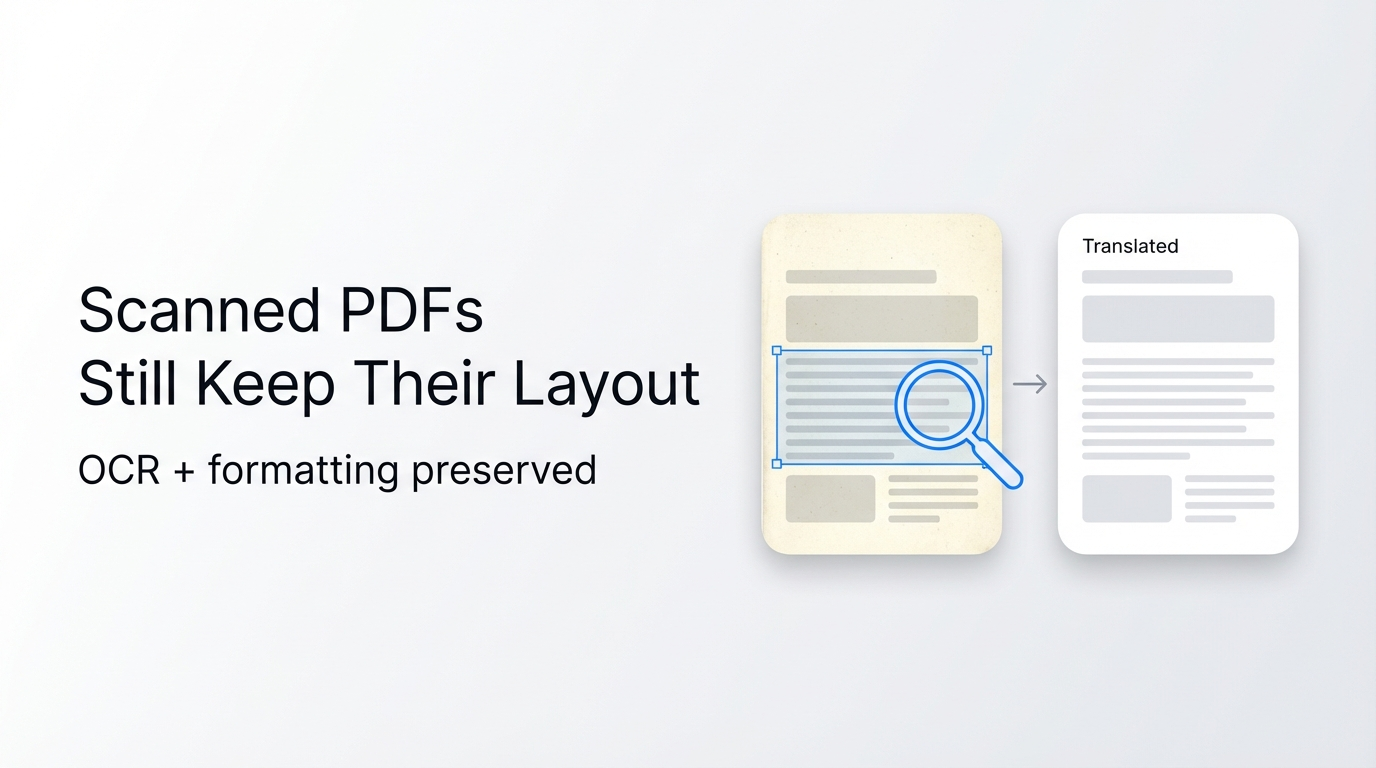
Reflo supports OCR processing for scanned PDFs to extract text while retaining original layout structure, with 98% accuracy for printed text across 100+ languages. For encrypted PDFs, you only need to input the document password once during upload, and Reflo will process the file while preserving all original formatting, tables, images and embedded elements without additional manual work. All uploaded files are deleted after processing for data security.
What use cases are best suited for layout-preserving PDF translation?
Layout-preserving PDF translation is ideal for academic papers, legal contracts, financial reports, technical manuals, medical documents and marketing materials, where format accuracy directly impacts readability, compliance and professional presentation. Reflo is trusted by researchers, lawyers, engineers, business professionals and translation agencies for these high-stakes use cases, with zero-layout-loss translation guarantees for all supported file types.
How can I test PDF format fidelity for my own document for free?
You can test layout-preserving translation with your own PDF file at no cost by using Reflo's free trial. The free trial supports full format preservation for documents up to 20 pages, so you can directly compare the translated output to your original file to verify format accuracy. Try Reflo free today to eliminate reformatting work from your next translation project.