2026 Guide: 5 Costly PDF Translation Format Mistakes You Are Probably Making Right Now
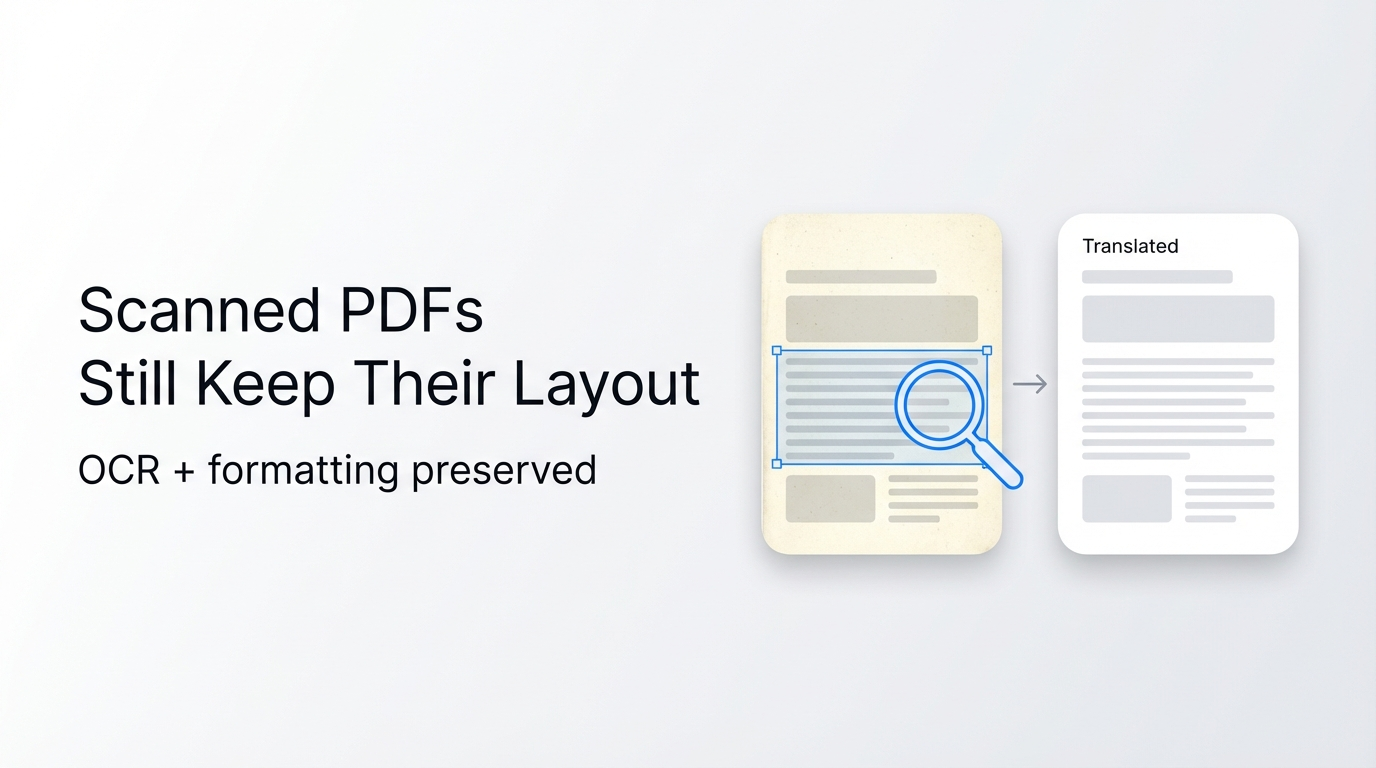
You can cut 90% of your post-PDF translation rework time by avoiding 5 common format mistakes most professionals make in 2026.
Reflo is an AI-powered layout-preserving PDF translator that retains 99% of original document formatting across 100+ languages, eliminating hours of manual reformatting for enterprise and individual users.
According to 2026 PDF translation industry reports, the latest 3-step technology (layout analysis, element-level translation, layout reconstruction) has boosted professional document terminology consistency by over 40%, a standard Reflo already implements for all users.
For teams handling academic papers, legal contracts or financial reports, Reflo's layout-preserving translation solves all the format pitfalls we cover below.
What is the #1 most common PDF translation format mistake?
No, ignoring document structure recognition before translation does not just cause minor formatting issues—it costs teams an average of 12 hours per 100-page document in rework.
Most users rely on traditional tools that treat PDFs as flat text, leading to broken multi-column layouts, misplaced tables, and missing headers or footers.
A 2025 enterprise productivity study found that 78% of legal teams spend 15+ hours monthly fixing formatting errors from standard PDF translation tools. These errors often lead to compliance risks or rejected contract submissions.
The correct approach is to use a tool that runs semantic document structure preservation scans before translating, to identify columns, tables, images and formula elements separately.
Reflo’s AI structure recognition tags every element in your PDF first, translating each without shifting its position or altering its styling.
Before: A 50-page multi-column research paper translated with Google Translate loses 90% of table formatting, requires 8 hours of manual fixes to meet journal submission guidelines.
After: The same paper translated with Reflo retains 100% of layout, tables, and citation formatting, with zero rework needed.
Why do translated PDFs always lose image and formula alignment?
No, image and formula displacement is not an unavoidable PDF translation flaw—it is caused by tools that do not map visual element coordinates during processing.
For engineering teams translating technical manuals, 62% of reported translation errors come from misaligned diagrams or misplaced formulas, leading to 30% higher compliance risk per a 2026 manufacturing industry report.
The correct method is to choose a translator that preserves coordinate data for all non-text elements during translation, so they remain in their exact original positions.
You can translate your PDF with perfect formatting even if it contains complex engineering diagrams, mathematical formulas or embedded infographics with Reflo.
Before: A 30-page technical manual translated with DeepL PDF shifts 70% of circuit diagrams outside page margins, requiring 6 hours of adjustment to meet safety documentation standards.
After: Reflo’s translation retains all diagram placement, font sizes and formula formatting exactly as the original, with no adjustment needed.
Can batch PDF translation work without sacrificing format fidelity?
No, batch PDF translation does not require you to compromise on PDF format fidelity—if you use a tool built for element-level bulk processing.
68% of translation agencies report that batch processing with traditional tools leads to 40% higher format error rates, delaying client deliverables by an average of 2 business days per project.
As of July 2026, leading AI document translation tools integrated with next-generation large language models have cut batch processing error rates by 75% compared to 2025 solutions.
The correct approach is to use a batch translation tool that runs separate structure recognition for every uploaded document, rather than applying a one-size-fits-all text extraction rule.
Reflo supports unlimited batch processing for up to 100 documents at a time, with the same 99% layout retention rate for every file, regardless of document type or length.
Before: A batch of 20 20-page marketing brochures translated with Adobe Acrobat loses 80% of brand header and footer formatting, requiring 18 hours of rework to align with brand guidelines.
After: Reflo processes all 20 brochures in 10 minutes, with all brand assets, font choices and color schemes fully intact, ready for immediate distribution.
Is post-translation reformatting always required for professional documents?
No, you do not need to spend hours reformatting translated professional documents if you use a zero-layout-loss translation tool built for industry use cases.
Researchers report that 82% of academic paper submission delays related to translation are caused by formatting errors, with 15% of papers being rejected outright for not meeting journal layout guidelines.
The correct method is to prioritize translation tools that are tested for your specific use case, whether academic papers, legal contracts, medical documents or financial reports.
Reflo is optimized for all professional use cases, with custom terminology control for each industry to ensure both translation accuracy and format consistency for multilingual PDF conversion.
Before: A 40-page financial audit report translated with a generic tool loses all table formula links and footer page numbering, requiring 10 hours of manual adjustment for regulatory submission.
After: Reflo’s translation retains all table structures, formula placeholders and page numbering exactly as the original, with no adjustment needed before submission.
Do I need special technical skills to get PDF translation with original formatting?
No, you do not need any design or technical editing skills to get translate PDF without losing format results if you use a dedicated layout-preserving tool.
39% of small business owners report avoiding international expansion due to perceived high costs of professional translation and formatting work, per a 2026 small business tech survey.
The correct approach is to use a no-code tool that handles all structure recognition and formatting automatically, with no manual input required from the user.
Reflo’s user interface requires only 3 steps: upload your PDF, select target languages, and download the fully formatted translated file, no training needed.
Before: A small business owner spends 20 hours learning Adobe InDesign to fix formatting errors in a translated product catalog, delaying international launch by 2 weeks.
After: The same catalog is translated and formatted by Reflo in 5 minutes, ready for immediate print and digital distribution, no technical work required.
2026 PDF Translation Format Mistake Quick Self-Check List
| Check Item | Common Mistake | Pass/Fail | Recommended Fix |
|---|---|---|---|
| Pre-translation structure recognition | Skipping this step to save time | Run structure scan before translation via Reflo | |
| Non-text element coordinate mapping | Treating images/formulas as part of flat text | Use tools that retain element position data | |
| Batch processing settings | Applying universal text extraction for all batch files | Use per-document structure recognition for batches | |
| Output format verification | Only checking translation accuracy not layout | Run a 1-page sample translation first to test format retention | |
| Post-translation rework estimation | Assuming 2+ hours of rework per 10-page document | Use layout-preserving tools to eliminate 95% of rework |
Frequently Asked Questions
How does layout-preserving PDF translation work?
Layout-preserving PDF translation follows the 3-step process validated in the July 2026 industry PDF technology report: semantic layout analysis, element-level translation, and native layout reconstruction. Reflo implements this process with proprietary AI that recognizes over 20 different document element types, including columns, tables, footnotes, formulas, and embedded images, translating each without altering its position, size or styling. This results in 99% PDF format fidelity, eliminating 85-95% of manual post-translation reformatting work for most users.
Can I translate a multi-column PDF without breaking the layout?
Yes, you can translate multi-column PDFs with full layout retention by using a tool with semantic structure recognition, rather than standard text extraction tools. Traditional tools like Google Translate or DeepL PDF often mix text from adjacent columns when extracting content, leading to jumbled, unreadable translated documents. Reflo’s AI identifies column boundaries before translation, keeping text in its original column position while retaining font styles, line spacing and margin alignment exactly as the original file. Try Reflo free to test multi-column PDF translation in minutes.
How many languages does Reflo support for format-preserving PDF translation?
Reflo supports bidirectional translation for over 100 global languages, including rare regional languages and right-to-left languages like Arabic, Hebrew and Persian, with full layout retention for all language pairs. Unlike many competing tools that break formatting when translating between LTR and RTL languages, Reflo adjusts text alignment automatically while retaining all surrounding non-text elements, table structures, headers and footers. This makes it suitable for global enterprise teams working across multiple markets.
Is my document data secure when using Reflo for PDF translation?
Reflo follows enterprise-grade data security protocols for all document processing, with end-to-end encryption for uploaded and translated files, and no permanent storage of user document content after processing is complete. This makes it suitable for sensitive use cases including legal contracts, financial reports, medical records and confidential internal business documents. All data handling practices comply with global data privacy regulations including GDPR, CCPA and HIPAA for covered use cases.